Did you mean: pixlwav size
Refine Search
-
PinWoofer - Spike Audio Drop-Out Issue(Post)
There is a persistent issue that affects some Spike-2 machines. It does not seem to be dependent upon the title since it has been observed since about Iron Maiden (which had a CPU node board re ...
PinWoofer Spike-3 Power Supply Fan Noise(Post)If you hear a periodic sound (tone) eminating from your Spike-3 Pinball Machine, it is not the speakers nor is it the PinWoofer Amplifier. It is the Power Suppy, presumably the Power Supply Fan. The ...
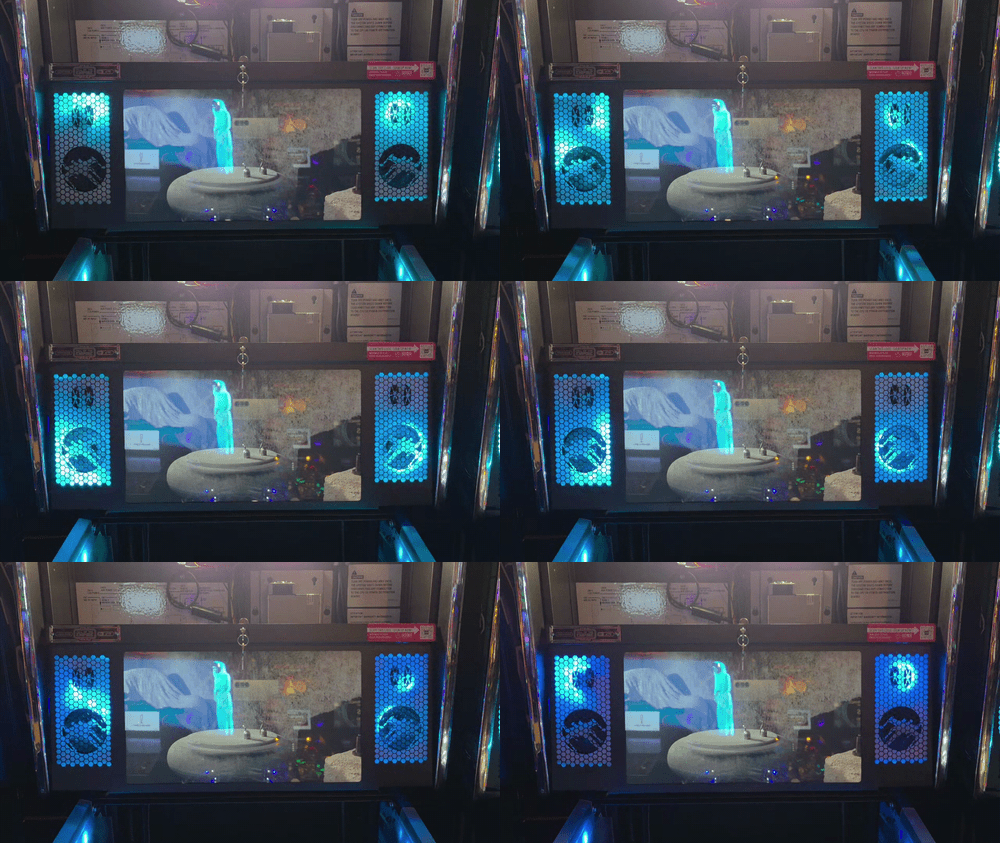
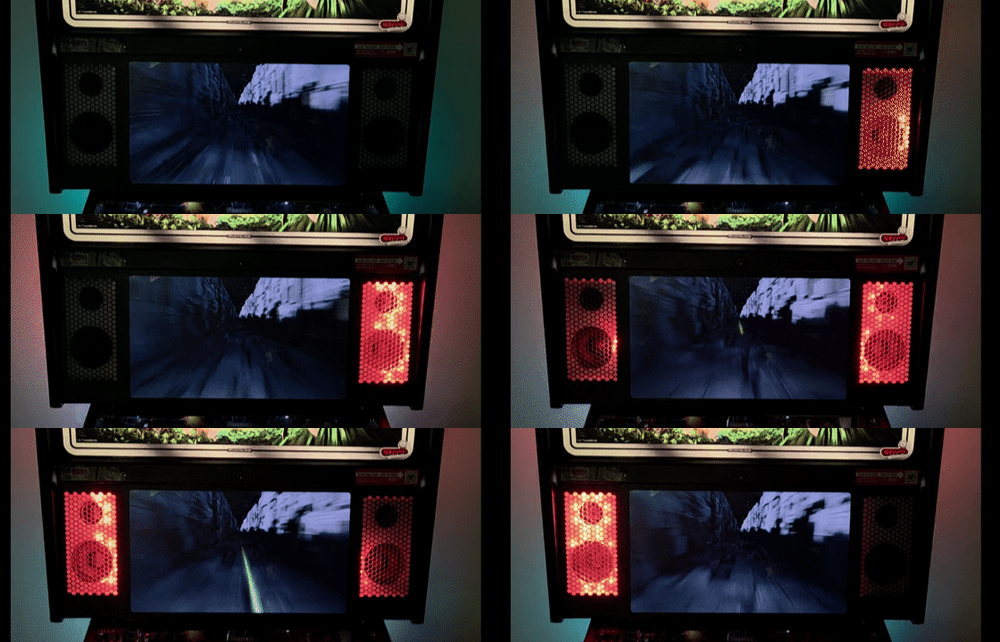
PinWoofer - Spike-2 Backbox Speaker Plates and Light Kit Compatibility(Post)Spike-2 Backbox Speaker Plates and Light Kit Compatibility Foreword Regarding the Stern OEM Speaker Light Kit - Please Read: During your PinWoofer order process, if you check the box "I will b ...
PinWoofer - Spike-2 Menu Speaker Impedance Setting(Post)For all PinWoofer Spike-2 amplifiers, set both the cabinet and backbox menu speaker impedance to 8 Ohms, for all titles.The 4 Ohm setting does nothing more than attenuate the pre-amp signal and thusl ...
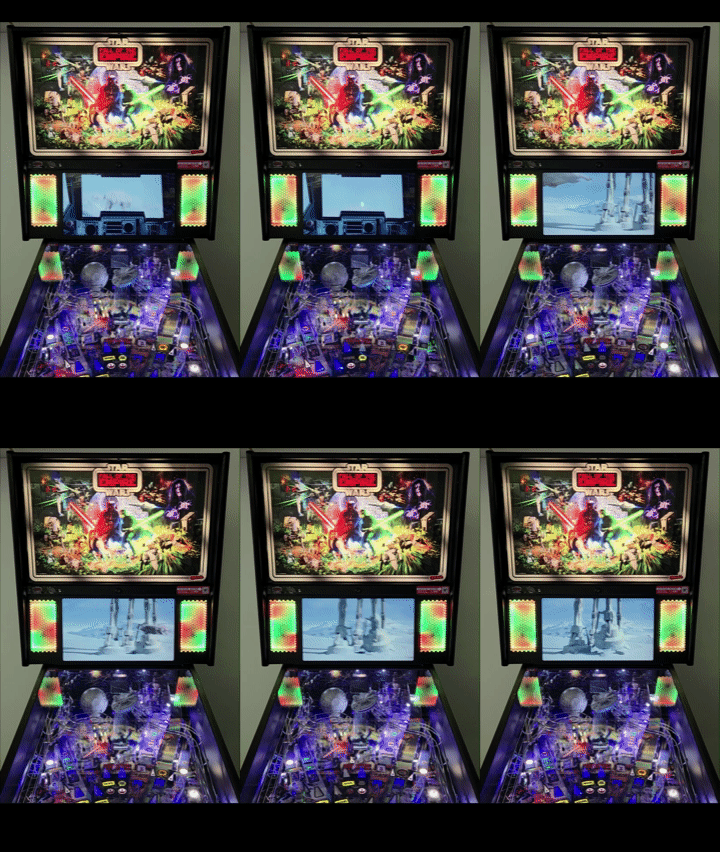
PinWoofer Spike-3 Factory Amplifier Whine Noise(Post)Star Wars Fall of the Empire - One-Off Factory Amplifier Noise: ...
Stern - Spike-2 - Limited Edition (LE) Titles and Upgraded Backbox Speaker List(Post)This is not necessarily a comprehensive list, but it has been a useful guideline and has been shown to be accurate. Factory speakers can vary by country.BOM shortages at the factory may also drive ...
PinWoofer - Stern - Spike-2 - The Beatles Amplifier Settings(Post)GT Amplifier - Coin door / menu volume set to 15 (usable range 10-20, do not exceed 20).KO Amplifier - Coin door / menu volume set to 30 (usable range 10-max) System Menu: Place all audio setting ...
Pinwoofer Stern Spike-3 Pokemon Amplifier Settings(Post)What does "o'clock" Mean?https://pinwoofer.com/content/PW-Hour-Hand-Instructions.pdf PinWoofer Amplifier: Bass Freq to 2 o'clock position Bass Vol to 6 o'clock position / max Bbox Vol 1 o'clock pos ...
PinWoofer - Stern - Spike-2 - Deadpool Amplifier Settings(Post)System Menu: Place all audio settings to default. Set the backbox speaker impedance to 8 Ohm Music Attenuation: 0 Speech Attenuation: 0 Amplifier: Coin door / menu volume set to 30 (any servi ...
PinWoofer - Stern - Spike-1 - KISS - Amplifier Settings(Post)KO / KOP Amplifier - Coin door / menu volume set to 35 (usable range 0-max). SERVICE MENU → UTIL → VOL→: SELECT BACKBOX SPEAKER TYPE → 8OHM (DEFAULT)SERVICE MENU → ADJ → KISS →: MUSIC ATTENUAT ...
PinWoofer - Stern - Spike-1 - Ghostbusters Amplifier Settings(Post)GT Amplifier - Coin door / menu volume set to 15 (usable range 10-20, do not exceed 20).KO Amplifier - Coin door / menu volume set to 30 (usable range 10-max).PinWoofer Amplifier: Gain to 2 o'clock ...
PinWoofer - Stern - Spike-2 - Guardians of the Galaxy Amplifier Settings(Post)GT Amplifier - Coin door / menu volume set to 15 (usable range 10-20, do not exceed 20).KO Amplifier - Coin door / menu volume set to 30 (usable range 10-max). System Menu: First, place all audio s ...